Features / Accounting Sync

Your Books Stay Clean Automatically

Connect Pool Billing Program to QuickBooks Online and never enter the same data twice. Customers, invoices, and payments flow between systems so your accountant always sees the right numbers.

Connect Once, Sync Forever

Authorize the QuickBooks connection from your Pool Billing Program settings. From that point forward, new customers, charges, payments, and credits are pushed to QuickBooks Online as they happen.

  • Customer sync — new customers created in Pool Billing Program appear in QuickBooks automatically
  • Invoice sync — every charge and invoice is mirrored in your QuickBooks ledger
  • Payment sync — payments recorded in the program post to QuickBooks as received payments
  • Credit & refund sync — adjustments reflected on both sides
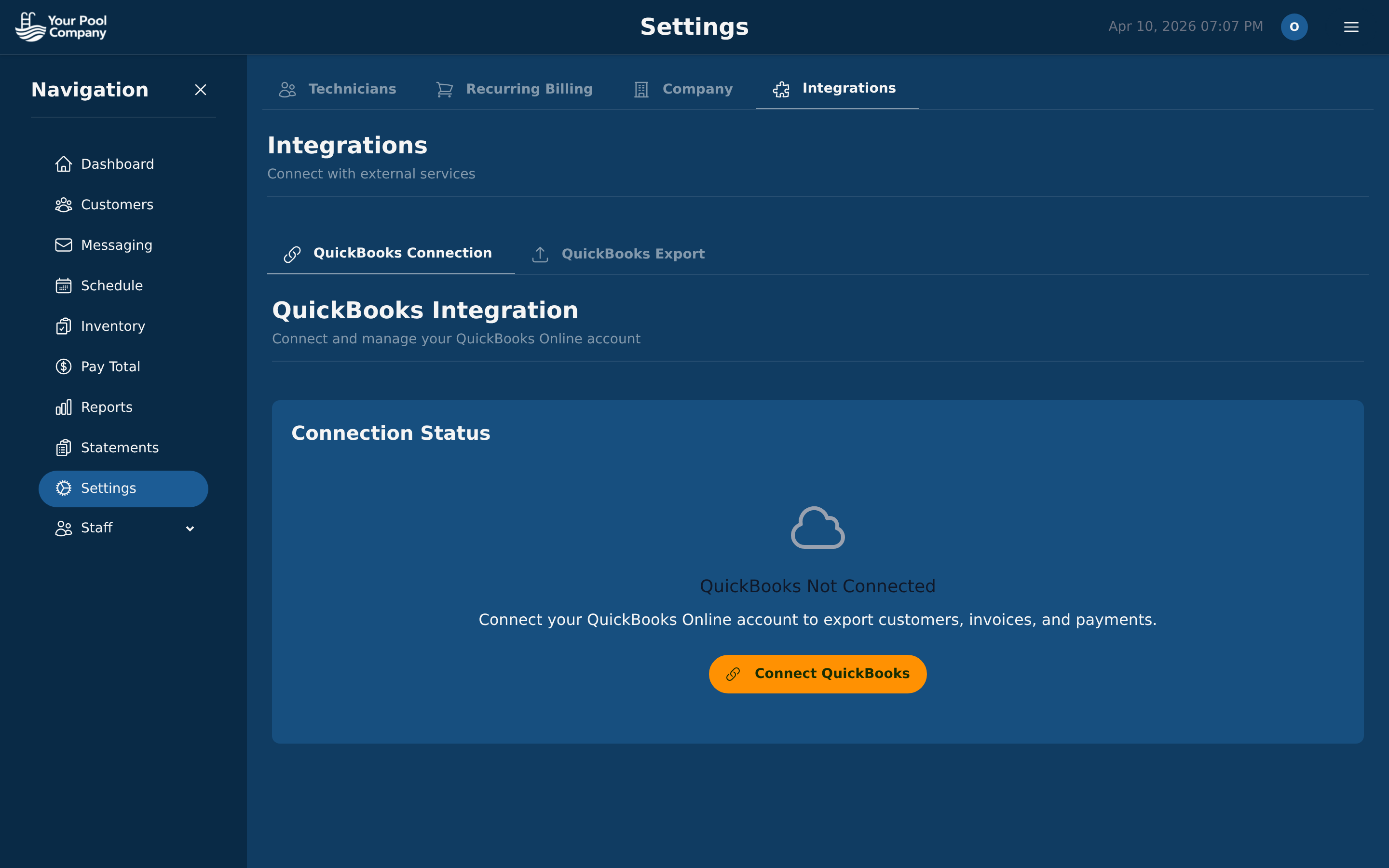
Pool Billing Program QuickBooks Online integration settings and sync status

Why Accounting Sync Saves You Money

Manual bookkeeping is slow and error-prone. Automated sync eliminates both problems.

Zero Double Entry

Data flows from Pool Billing Program to QuickBooks — no copy-paste, no CSV exports.

Fewer Bookkeeper Hours

Your accountant spends less time reconciling because the numbers already match.

Real-Time Accuracy

No end-of-month catch-up. QuickBooks reflects today's reality at all times.

Client Portal

QuickBooks Sync, Included Free

No extra fee for accounting integration. It's part of every Pool Billing Program plan.

Start Your Free Trial